Tasks are emotional clutter. Most to-do apps pile on guilt — red badges, broken streaks, a growing backlog that stares at you. This one is minimal and forgiving on purpose: capture the thought before it evaporates, and forgive yourself the days you don't.
A look inside
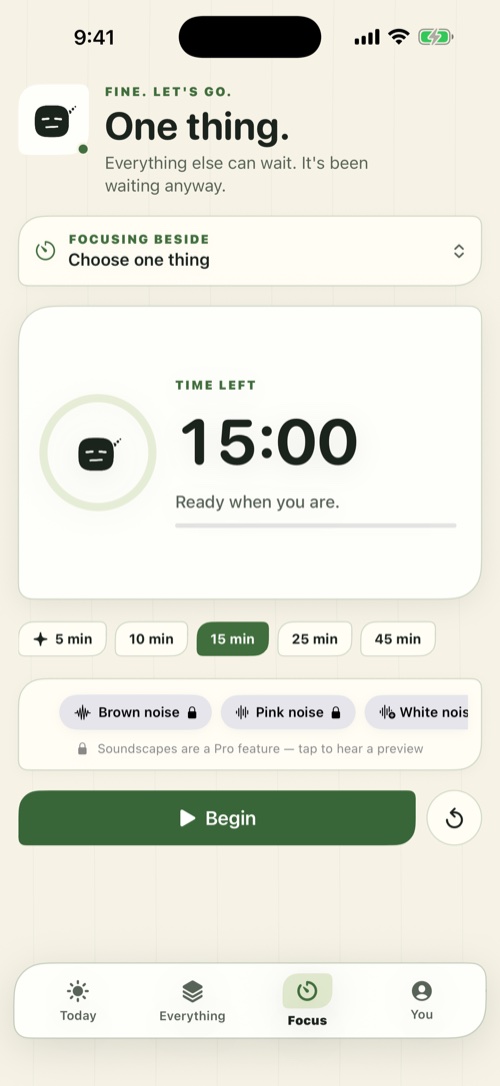
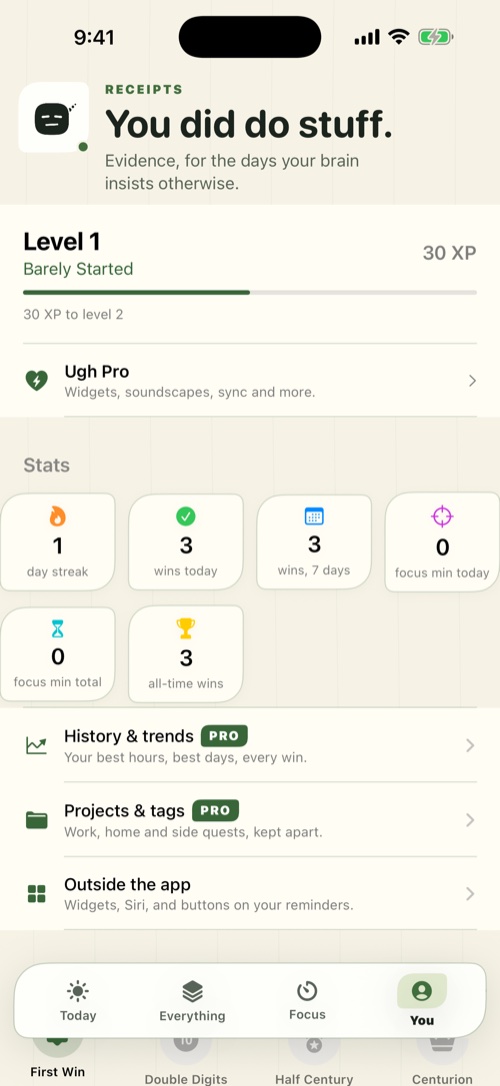
Built for the ADHD brain
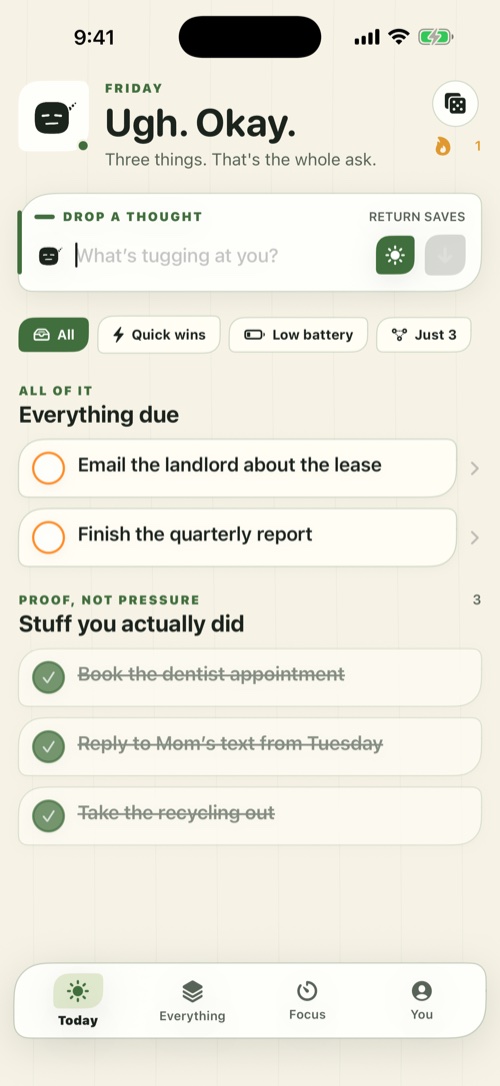
Brain-dump bar
Catch a thought in about two seconds before it's gone. The keyboard stays up for rapid-fire entry — sort it out later.
Forgiving by design
Miss a day and nothing punishes you. No streaks to break, no guilt badges, no backlog of shame.
Exasperated, but kind
The voice gets it. Dry and deadpan when you're stalling, never chirpy, never nagging.
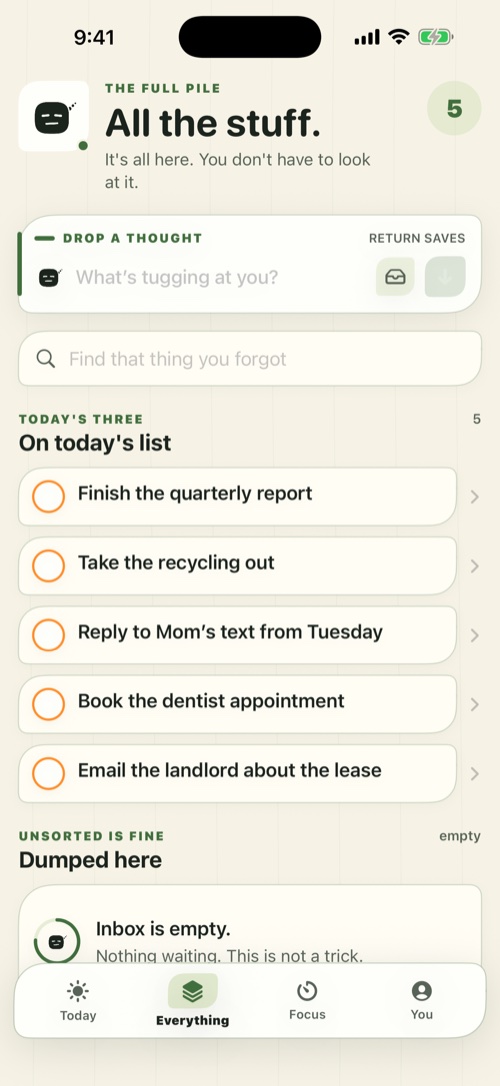
Search you can trust
If you captured it, you can find it. Search is a trust feature, so nothing you dumped in disappears.
Syncs through your iCloud
Your tasks follow you across your devices through your own iCloud account. No separate login to create.
Just "Ugh" on the home screen
The full name is a mood; the home-screen label is intentionally short. Tap it and you're already capturing.
Pricing
Free
$0
- Two-second brain-dump capture
- Forgiving, no-streak design
- Syncs through your own iCloud
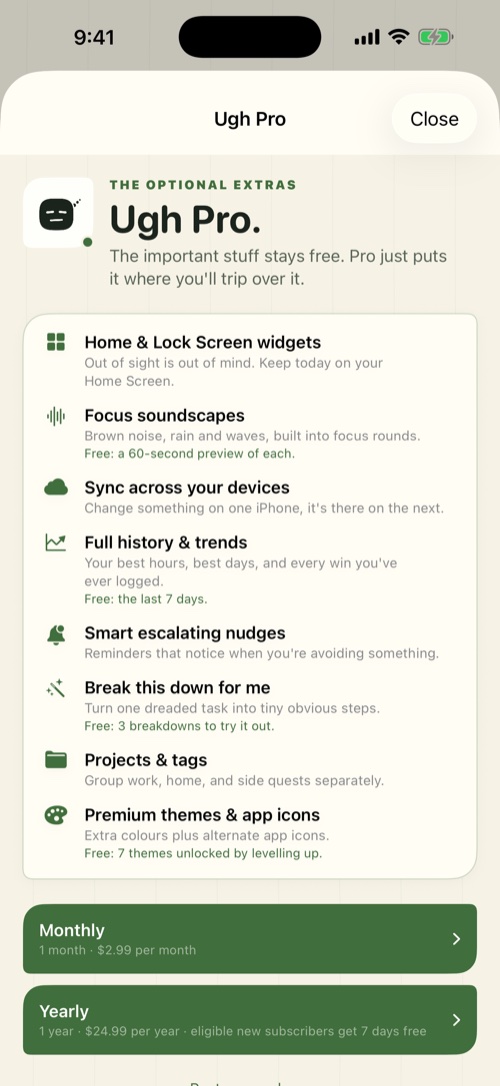
Pro
$2.99 / mo
or $24.99 / year
- Pro features unlocked
- No caps to argue with
- Keeps a one-person shop going
Questions
What makes it ADHD-friendly?
It's built for capture over ceremony: dump the thought in about two seconds before it evaporates, and forgive the days you don't. No streaks, no guilt badges, no growing backlog of shame.
What happens if I miss a few days?
Nothing punishes you. There are no streaks to break and no red badges piling up — you pick back up whenever you're ready.
Does it sync across my devices?
Yes, through your own iCloud account — there's no separate login to create and no server of ours holding your tasks.
Is my data private?
Your tasks stay in your iCloud, not on our servers. See the privacy policy for details.
How does Pro billing work?
Billed through your Apple account; manage or cancel anytime in Settings → your name → Subscriptions.